Kernel-Power Event 41: What Causes It and How to Fix It
If your PC or laptop suddenly restarts or goes black mid-task, and Event Viewer shows a Critical entry from “Kernel-Power” with Event ID 41, you’re dealing with one of the most common and most misunderstood Windows error events. The message itself — “the system has rebooted without cleanly shutting down first” — tells you almost nothing about the actual cause. That vagueness is exactly why so many people end up replacing the wrong part.
This guide walks through what kernel power event 41 actually means, the real causes behind it, and a diagnostic order that avoids guessing your way through expensive hardware swaps.

What Is Kernel-Power Event 41?

Kernel-Power Event 41 is a log entry Windows writes to the System event log every time it boots up and detects that the previous session didn’t shut down properly. It comes from the Microsoft-Windows-Kernel-Power provider, and it’s logged under Task Category 63.
The entry itself is a symptom, not a diagnosis. Windows is simply saying “something interrupted the shutdown process last time, and I don’t have a clean explanation for it.” According to Microsoft’s own troubleshooting documentation, this can happen because of an unexpected power loss, a system crash, or the computer simply becoming unresponsive.
The event contains a few technical fields worth knowing: BugcheckCode, four BugcheckParameter values, and PowerButtonTimestamp. Whether those fields are populated or sitting at zero changes what you should investigate first — more on that below.
What Causes Kernel-Power Event 41
There isn’t one single cause. The event fires whenever Windows loses the ability to log a clean shutdown, which several unrelated hardware and software conditions can trigger.
Power Supply (PSU) Problems
A power supply that can’t consistently deliver stable voltage under load is the most frequently confirmed cause, especially when BugcheckCode reads 0. A brief voltage sag or dropout under load can cut power to the motherboard just long enough to force an instant, uncontrolled restart — Windows never gets the chance to log a proper shutdown reason.
This is more likely if you recently added a graphics card, extra drives, or RAM without upgrading the PSU to match the new load, or if the unit is several years old and its capacitors have degraded.
Faulty or Overclocked RAM
Unstable memory is the second most common confirmed cause. This includes physically failing RAM sticks, but far more often it’s RAM running outside its rated specification — an XMP or EXPO profile pushing it faster than the motherboard can reliably handle, or a mismatched dual-channel kit.
A visible clue on many modern motherboards is a red DRAM debug LED lighting up right before the restart, which strongly points to memory or the memory controller rather than the PSU.
Overheating
When the CPU, GPU, or VRMs hit their thermal limits, some systems shut down abruptly as a protective measure rather than throttling gracefully. This tends to show up during sustained load — long gaming sessions, video exports, or hot ambient conditions — rather than at idle.
Outdated or Corrupted Drivers
Chipset, GPU, and storage controller drivers manage direct communication with hardware. A driver that mishandles a power-state transition, particularly during sleep or wake, can trigger the same uncontrolled restart signature, even though the underlying hardware is fine.
Manual Power Button Shutdowns
If you or the system forced a shutdown by holding the power button, Windows logs Event 41 with a nonzero PowerButtonTimestamp value. This is expected behavior, not a fault — it’s worth ruling out early since it can otherwise get lumped in with genuine hardware failures.

Reading the Event Viewer Details: What BugcheckCode Tells You

Open Event Viewer, find the Event 41 entry under Windows Logs → System, and click the Details tab. The single most useful field is BugcheckCode.
- BugcheckCode: 0 — Windows crashed with no stop-error data captured at all, which almost always points to a hard power interruption: PSU, a loose power cable, or an abrupt hardware fault rather than a software crash.
- BugcheckCode: a nonzero value — Windows actually caught a Stop error (a genuine Blue Screen) before restarting, and that value corresponds to a specific bug check that you can look up individually. This points toward a driver, memory, or file-system issue rather than raw power loss.
This distinction matters because it changes where you start troubleshooting. A zero BugcheckCode sends you toward power and connections first. A nonzero one sends you toward drivers and memory diagnostics first.
How to Fix Kernel-Power Event 41, Step by Step

Work through these in order. Each step is meant to rule something out cheaply before you move to anything that costs money or time.
Step 1 — Check the Full Event Details
Note the BugcheckCode and PowerButtonTimestamp values first. If PowerButtonTimestamp is nonzero, this restart was a forced manual shutdown and isn’t a hardware fault at all — stop here for that particular occurrence.
Step 2 — Reset BIOS/UEFI and Disable Overclocking
Enter BIOS/UEFI setup and load optimized/default settings. Turn off any CPU overclock and any RAM overclock profile (XMP or EXPO), letting memory run at its JEDEC default speed. This single step resolves a surprising number of cases where components are simply running outside stable margins.
Step 3 — Test Your RAM
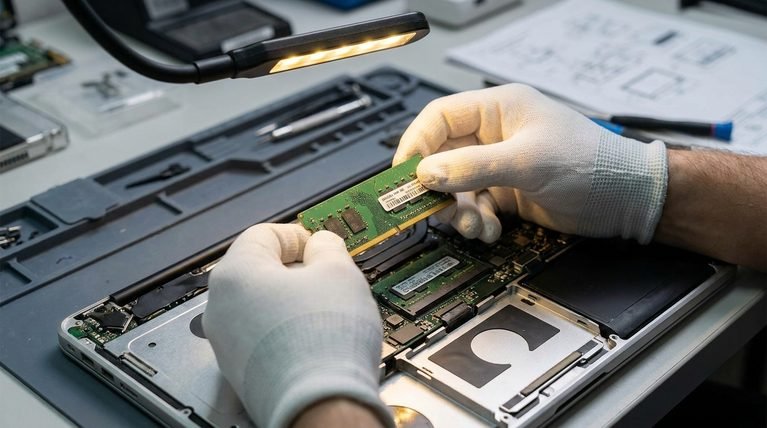
Run Windows Memory Diagnostic or a dedicated tool like MemTest86 overnight. If you have multiple sticks, test them one at a time in different slots — this isolates whether the fault is the stick itself or a specific motherboard slot.
Step 4 — Check Temperatures Under Load
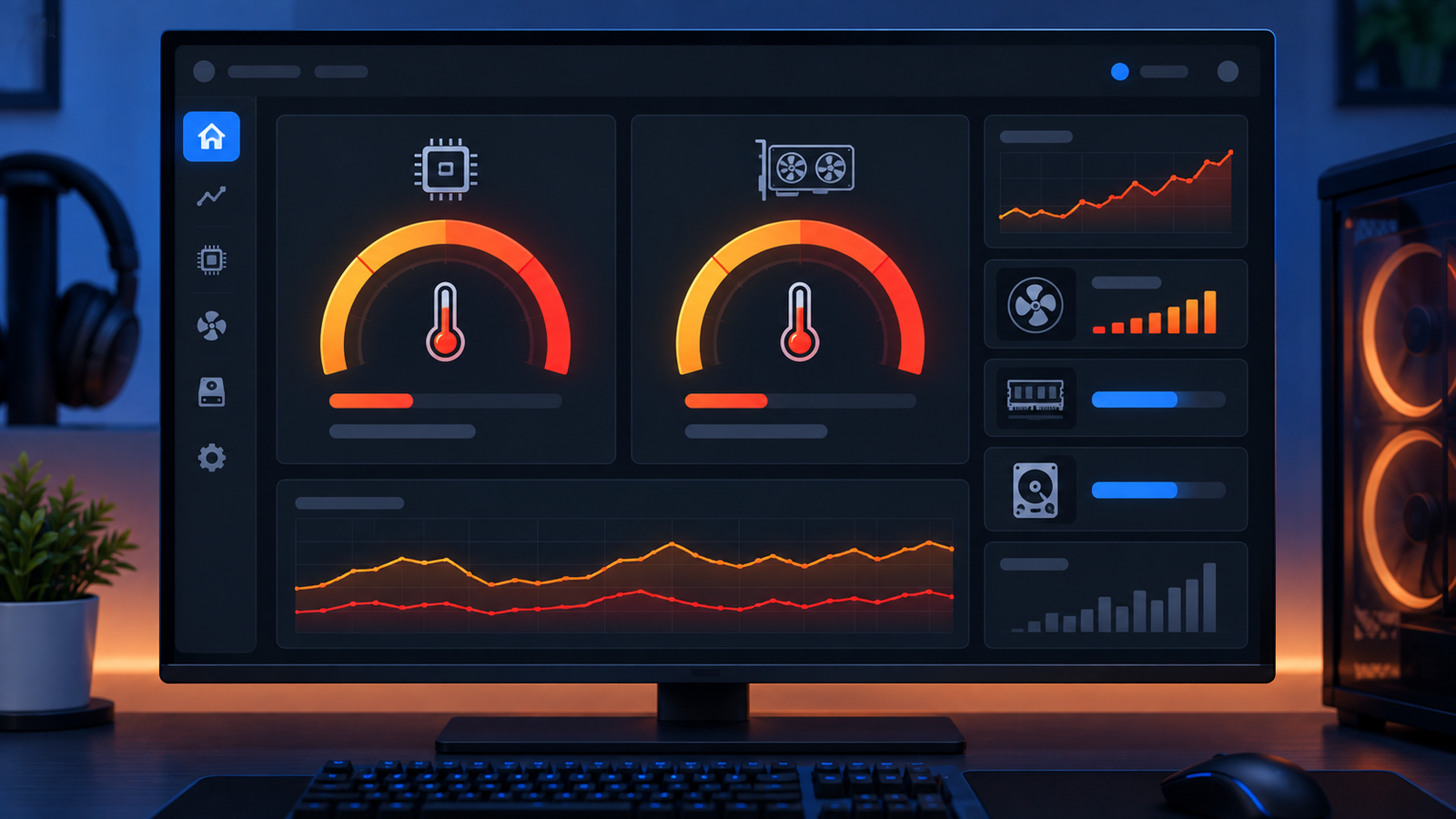
Use a monitoring tool to watch CPU and GPU temperatures while gaming or running a stress test. Sudden restarts that coincide with temperatures spiking near thermal limits point to inadequate cooling, dried-out thermal paste, or dust-clogged fans and radiators rather than an electrical fault.

Step 5 — Test or Replace the Power Supply
If the earlier steps come back clean and BugcheckCode reads 0, the PSU is next. Check that all power connectors, including supplementary GPU cables, are fully seated. If you have access to a known-good spare PSU of adequate wattage, swapping it in temporarily is the most reliable test — no meter or software can fully replicate a PSU failing only under real load.
A power supply unit that’s undersized for your components, or one that has aged past its reliable service life, is a common root cause once memory and thermals have been ruled out.
Step 6 — Update Drivers, Windows, and Firmware
Update GPU, chipset, and storage controller drivers directly from the manufacturer, along with the latest BIOS/UEFI firmware for your motherboard. Install pending Windows updates as well, since Microsoft periodically ships fixes for power-state handling bugs.
Step 7 — Adjust Sleep and Fast Startup Settings
Some restarts are actually mishandled transitions into or out of sleep. In Power Options, try disabling Fast Startup and setting sleep to “Never” temporarily. If the crashes stop, you’ve isolated a power-state software issue rather than a hardware fault.
Kernel-Power Event 41 While Gaming: Why It’s More Common

Gaming is a worst-case stress test for exactly the components most often responsible for this error. It pushes the GPU and CPU to near-peak power draw simultaneously, which is when a marginal PSU rail sags, a borderline-stable RAM overclock finally errors out, and heat builds up fastest. That’s why many reports of this error mention it happening specifically during demanding titles rather than everyday browsing — light workloads simply never stress the system hard enough to expose the weak point.
Is It Always a Hardware Problem?
No, but it usually is. A nonzero BugcheckCode means Windows caught an actual Stop error, which is frequently driver or software-related and worth investigating through minidump analysis before assuming hardware. A BugcheckCode of 0 with no useful data, on the other hand, is the classic signature of a hard power interruption — and in that case, the odds genuinely favor PSU, RAM, or a loose connection over a software bug.
When to Call a Technician
If you’ve reset BIOS defaults, tested RAM overnight with no errors, confirmed temperatures stay well within limits under load, and swapped in a known-good PSU without resolving the issue, the remaining suspects are harder to test without equipment: the motherboard’s power delivery or memory controller. At that point, a local technician with a bench PSU and diagnostic hardware can isolate the fault far faster than continued part-swapping.
Frequently Asked Questions
Q: How do I fix event 41 kernel power?
A: Start by checking the BugcheckCode in Event Viewer, then work through BIOS reset, RAM testing, temperature monitoring, and PSU testing in that order. Most cases resolve at the RAM-overclock or PSU stage.
Q: Does kernel power 41 mean my PSU is bad?
A: Not necessarily, but it’s one of the two most common confirmed causes, especially when BugcheckCode is 0. Rule out RAM and overheating first, since those are cheaper and faster to test than a PSU swap.
Q: Can faulty RAM cause kernel panic-style restarts on Windows?
A: Yes. Unstable memory, whether from a hardware fault or an overclock profile running outside spec, is one of the two leading causes of this specific event.
Q: How can I tell if my PSU is damaged?
A: Software alone can’t fully confirm a failing PSU under load. The most reliable check is swapping in a known-good spare unit of sufficient wattage and seeing whether the restarts stop.
Q: What does BugcheckCode 0 mean in the event details?
A: It means Windows had no Stop-error data to record, which typically indicates the system lost power or became completely unresponsive rather than crashing through a normal software fault.
Q: Why does kernel power event 41 happen mostly during gaming?
A: Gaming pushes the CPU and GPU to near-peak power draw at the same time, which is exactly when a marginal power supply, an unstable RAM overclock, or inadequate cooling gets exposed.
Q: Is Kernel-Power Event 41 dangerous to my PC?
A: The event itself doesn’t damage anything, but the underlying cause — especially a failing PSU — can potentially affect other components over repeated uncontrolled power cuts, so it’s worth diagnosing rather than ignoring.
Q: Can a Windows update fix kernel power event 41?
A: Sometimes. Microsoft has shipped fixes for power-state handling bugs in past updates, so keeping Windows and your chipset drivers current is a legitimate step, though it won’t resolve a genuinely failing PSU or RAM stick.