
Bvostfus Python Issue Fix: What’s Real, What’s Not & How to Fix It
If you’ve landed here searching for a “bvostfus python issue fix,” you’re probably staring at an error message, a failed pip install, or a tutorial that told you to install something called bvostfus — and nothing is working. Before you run another command, here’s the honest answer up front: there is no verified public Python package called bvostfus. No PyPI listing, no GitHub repository, no official documentation.
That doesn’t mean your problem isn’t real. It means the fix is different from what those tutorials told you. This guide explains what the “bvostfus python issue” actually is, why the term exists, and the step-by-step process to fix the underlying Python problem — whether it’s a ModuleNotFoundError, a broken environment, or code you copied that references a module that doesn’t exist.
What Is the “Bvostfus Python Issue”?

The phrase “bvostfus python issue” doesn’t refer to one officially defined Python problem. It shows up in a few different situations:
- Your script contains
import bvostfus(often copied from a tutorial or AI-generated code sample), and Python responds withModuleNotFoundError: No module named 'bvostfus'. - A guide told you to run
pip install bvostfus, and pip fails because the package doesn’t exist on the Python Package Index. - You found blog posts describing “Bvostfus” as a revolutionary Python framework, tried to use it, and hit a wall.
In every case, the root cause is the same: the name bvostfus doesn’t correspond to installable, verifiable public software. The real fix is identifying what your code or tutorial actually needed — and addressing that instead of chasing a phantom package.
Is Bvostfus a Real Python Package? Checking the Evidence
Legitimate Python tools leave traces everywhere developers gather. Here’s what a check of the standard channels shows:
| Verification channel | What we find for “bvostfus” |
|---|---|
| PyPI (Python Package Index) | No package named bvostfus, bvostfus-python, or similar exists |
| GitHub | No repositories, no source code, no issue trackers |
| Official documentation | No docs site, no bvostfus.dev, no API reference |
| Stack Overflow | No questions tagged or mentioning it |
| Reddit (r/Python, r/learnpython) | No discussions of anyone using it |
| Python.org / PEPs | No mention in any Python Enhancement Proposal |
Compare that with any real tool — even a tiny one with a few hundred users generates Stack Overflow questions, GitHub stars, and PyPI download stats. Bvostfus generates none of it. Several tech blogs that investigated the term concluded it’s either a placeholder name that escaped into tutorials, a private internal tool name, or simply an SEO-driven fiction: articles written to rank for a keyword that sounds like real software.
Bottom line: do not treat bvostfus as software you can download. Treat it as a signal that something in your setup, your code, or your tutorial needs a closer look.
Why You’re Seeing This Error: The 5 Real Causes
1. A Placeholder Left in Copied or AI-Generated Code
This is the most common cause. AI coding assistants and sloppy tutorials sometimes invent plausible-sounding package names. import bvostfus looks real — it follows Python naming conventions — but the module was never written by anyone. If your code came from an AI chat or a low-quality blog, read it critically before running it.
2. A Typo or Misremembered Package Name
bvostfus could be a mangled version of a real name. Before assuming anything, ask: what was this code supposed to do? Data analysis? Web scraping? The answer usually points to the real package (pandas, requests, beautifulsoup4), and the fix is installing that instead.
3. A Private or Company-Internal Package
Some organizations distribute Python packages privately — through an internal index or a Git repo — that never appear on public PyPI. If you’re working on a company project and the import fails, ask your team where the package is actually hosted. Don’t try to install it from the public internet.
4. A Missing Local Module
Python treats any folder with an __init__.py (or any .py file) as an importable module — but only if it’s on the Python path. If your project expects a local bvostfus.py or bvostfus/ directory that was never created or never committed to version control, you’ll get the exact same ModuleNotFoundError.
5. An Interpreter or Environment Mismatch
Your package may be installed — just not for the Python that’s running your code. This happens constantly with multiple Python versions, virtual environments, and IDEs pointed at the wrong interpreter. The module exists in one environment; your script runs in another.
Bvostfus Python Issue Fix: Step-by-Step Guide
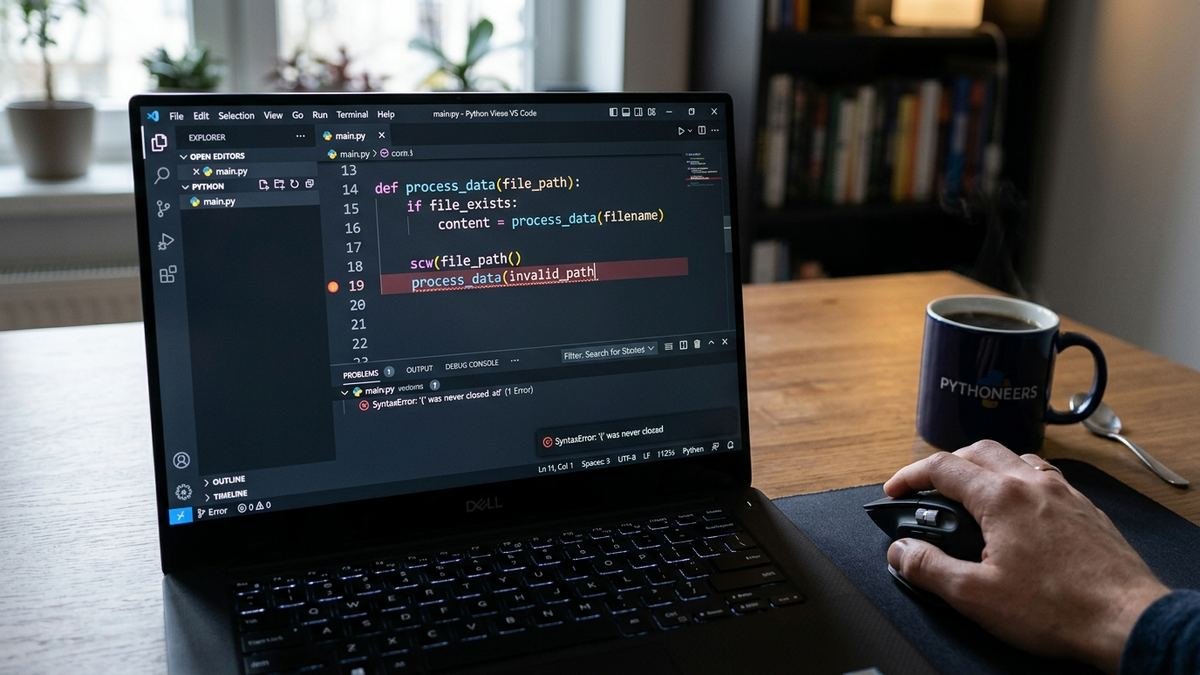
Work through these steps in order. Most “bvostfus” issues resolve by step 3 or 4.
Step 1: Read the Actual Error Message
Don’t skim — read the full traceback. The last line tells you the real exception:
ModuleNotFoundError: No module named 'bvostfus'
This message means one thing: the active Python interpreter searched its module path and found nothing called bvostfus. It does not mean you need to install something called bvostfus. It means you need to figure out what that name was supposed to refer to.
Step 2: Verify Your Python Installation
Make sure Python itself is healthy before blaming a package:
python --version
or
python3 --version
If Python is missing or ancient, download a current stable release from python.org. Avoid mixing your operating system’s built-in Python with project work — on macOS and Linux, the system Python exists for the OS, not for you.
Step 3: Confirm Which Interpreter Is Running Your Code
This single check resolves a huge share of “missing module” mysteries:
python -c "import sys; print(sys.executable)"
Then check where pip is installing things:
python -m pip --version
Using python -m pip (instead of bare pip) guarantees the package manager belongs to the same interpreter running your code. If these point to different Pythons, you’ve found your problem.
Step 4: Check Your Virtual Environment
If your project uses a virtual environment, make sure it’s activated — and that your IDE is using it too:
python -m venv myproject-env

myproject-env\Scripts\activate

source myproject-env/bin/activate
Then confirm your editor (VS Code, PyCharm) has this exact environment selected as its interpreter. An IDE silently using the global Python while you installed packages into a venv is one of the most common causes of phantom import errors. And if your keyboard isn’t cooperating in the terminal at all while you try these commands, our guide on how to fix a keyboard not typing covers that separately.
Step 5: Trace Where the Name Came From
Search your project for every occurrence:
grep -r "bvostfus" .
Ask these questions about each hit:
– Did I write this, or did it come from generated/copied code? If generated, it’s almost certainly a hallucinated placeholder — delete or replace it.
– Is there supposed to be a local file or folder with this name? Check version control for a missing commit.
– Did a tutorial claim this is installable? Check the tutorial’s date and credibility, then verify on PyPI yourself.
Step 6: Install the Real Package (If There Is One)
Once you’ve identified what the code actually needed, install it properly:
python -m pip install --upgrade pip
python -m pip install actual-package-name
If a previous install attempt left things half-broken, force a clean reinstall:
python -m pip install --no-cache-dir --force-reinstall actual-package-name
Never run pip install bvostfus or any install command from an untrusted blog for a package you can’t verify. Unknown packages can contain malware.
Step 7: Rebuild a Corrupted Environment
If nothing else works, the nuclear option is fast and reliable: delete the virtual environment and rebuild it from your requirements file.
deactivate
rm -rf myproject-env
python -m venv myproject-env
source myproject-env/bin/activate   # or .\myproject-env\Scripts\activate on Windows
python -m pip install -r requirements.txt
This eliminates corrupted installs, conflicting dependency versions, and stale caches in one move.
What to Do If You Copied Code Containing “bvostfus”
Don’t panic — and don’t try to make the import work. Instead:
- Figure out the code’s intent. What was the snippet supposed to accomplish? Read the surrounding code and comments.
- Replace the import with the real library for that job (requests for HTTP, pandas for data, etc.).
- Test in isolation. Run the snippet alone in a fresh script before wiring it into your project.
- Stop trusting that source. A tutorial that invents package names will invent other things too. Prefer the official Python documentation and well-maintained community resources.
Staying Safe: Don’t Install What You Can’t Verify
This is the most important section of this guide. Before installing any Python package — especially one a random blog recommended — verify:
- PyPI listing: search pypi.org directly. Real packages have version histories, release dates, and project links.
- Source repository: a GitHub (or GitLab) repo with real commits, issues, and contributors.
- Documentation: hosted docs that explain installation, usage, and API.
- Maintenance signals: recent releases, responded-to issues, a license file.
If a “package” fails all four checks, don’t install it. Malicious or typosquatted packages are a genuine supply-chain risk, and pip install executes code on your machine. When in doubt, stick with the boring, battle-tested tools.
Reliable Python Tools to Use Instead
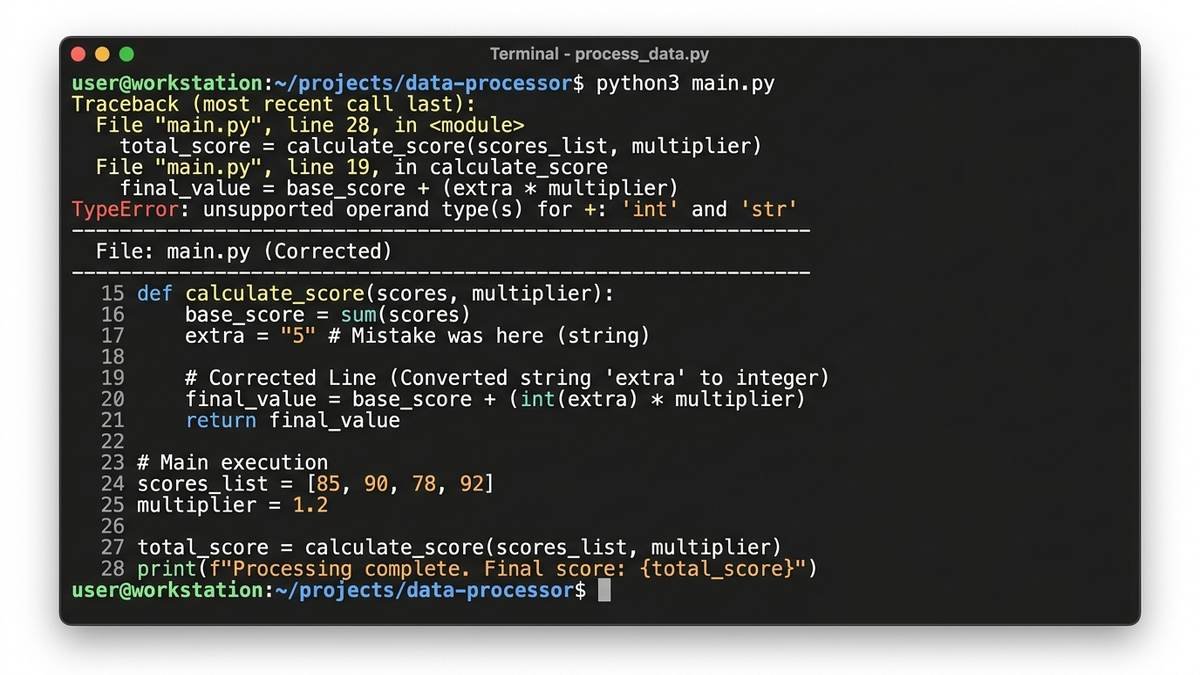
Whatever “bvostfus” promised you, there’s an established tool that actually does it:
| If you wanted… | Use this instead | Why |
|---|---|---|
| Dependency management | pip + venv (built in) | Zero setup, universally understood |
| Modern dependency management | Poetry or PDM | Lock files, cleaner workflows |
| Isolated environments | Conda | Strong for scientific stacks |
| Web APIs | FastAPI | Documented, huge community |
| Packaging apps | PyInstaller | Mature, well documented |
Every entry in this table has a PyPI page, a GitHub repo with thousands of stars, and years of answered Stack Overflow questions. That’s what real software looks like.
When the Problem Is Your PC, Not Python
Sometimes what looks like a Python issue is actually system instability: installs fail halfway, interpreters crash, tracebacks reference memory errors. If your whole machine is misbehaving — random crashes, blue screens, freezes during installs — the problem may be hardware or drivers rather than Python. Our troubleshooting guides for CLOCK_WATCHDOG_TIMEOUT and Driver Power State Failure walk through diagnosing those deeper system issues.
Common Python Errors That Feel Like the Bvostfus Issue
The bvostfus confusion usually arrives wearing the costume of a familiar error. Here’s how to tell them apart:
| Error message | What it actually means | Fix |
|---|---|---|
ModuleNotFoundError: No module named 'X' |
The interpreter can’t find module X in any searched location | Install the real package, or fix your environment/interpreter mismatch |
ImportError: cannot import name 'Y' |
The module exists, but the specific name doesn’t | Check the library’s docs — the API may have changed between versions |
pip: command not found |
pip isn’t on your PATH or isn’t installed for this Python | Use python -m pip instead of bare pip |
PermissionError during install |
pip tried to write to a system directory | Use a virtual environment instead of --user installs or sudo |
VersionConflict / dependency errors |
Two packages demand incompatible versions of a third | Pin versions in requirements.txt, or let Poetry/PDM resolve them |
Notice that none of these are fixed by searching for a new package name. They’re fixed by understanding which interpreter is running, where packages live, and what your code actually imports. Build that habit and entire categories of Python headaches disappear.
Frequently Asked Questions
Is bvostfus a real Python library?
No. As of 2026, there is no verified PyPI package, GitHub repository, or official documentation for anything called bvostfus. Multiple independent investigations have confirmed its absence from every standard software channel.
Why does pip say “no matching distribution found” for bvostfus?
Because the package doesn’t exist on the index pip is searching. Pip isn’t broken — it’s correctly telling you there’s nothing to install. Don’t work around this with commands from untrusted sites.
Could bvostfus be a private company package?
Possibly. If you encountered the name at work, ask your team for the internal package index or repository URL. Private packages are installed with extra index URLs or from Git — never from public PyPI under a name that doesn’t exist there.
Is it safe to install bvostfus from a third-party website?
No. Downloading and running unverified code from random websites is one of the easiest ways to get malware. Only install packages you can verify through PyPI, official docs, and a real source repository.
What should I do about AI-generated code that imports bvostfus?
Treat the import as a hallucination. Identify what the code was meant to do, replace it with the appropriate real library, and test the snippet in isolation. AI assistants are useful drafting tools, not authoritative sources for package names.
How do I avoid this kind of issue in the future?
Always verify a package on PyPI before installing it, use virtual environments per project, pin your dependencies in a requirements file, and prefer official documentation over random tutorials.
A 2-Minute Prevention Checklist for Every Python Project
Most “mystery import” issues never happen if you start projects right. Run through this checklist once per project:
- Create a virtual environment on day one —
python -m venv .venv— before installing anything. - Activate it every session, and confirm your IDE is using it (check the interpreter path in your editor’s status bar).
- Pin dependencies in a
requirements.txtorpyproject.tomlthe moment they work, so rebuilds are reproducible. - Verify new packages on PyPI before installing — check the release history and project links.
- Read tracebacks bottom-up. The last line names the exception; the lines above show the call chain that led there.
Two minutes of setup saves hours of debugging later — and it makes phantom-package problems like the bvostfus issue nearly impossible, because you’ll always know exactly what’s installed and where.
Final Thoughts
The “bvostfus python issue” feels confusing because it looks like a normal missing-package error — but the fix isn’t installing anything. Bvostfus isn’t verifiable public software, so the real work is detective work: reading your traceback, confirming your interpreter and environment, tracing where the name came from, and installing the genuine package your code actually needed.
That discipline — verify before you install — will save you from far worse than a phantom import. The Python ecosystem’s greatest strength is its enormous library of real, maintained, documented tools. Use those, keep your environments clean, and you’ll spend your time building instead of debugging mysteries.