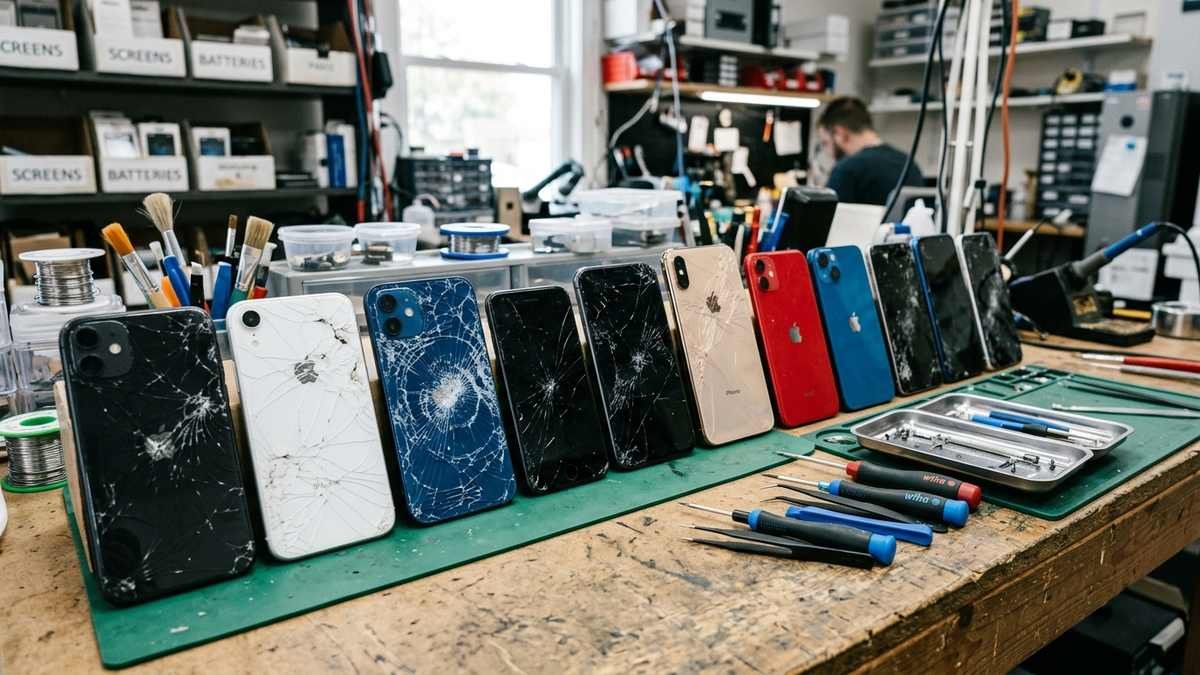
iPhone Screen Repair: Costs, Options, and What to Know
A cracked iPhone screen is one of the most common — and most price-sensitive — repairs in consumer tech. If you are researching iPhone screen repair, you need three things: honest 2026 pricing, a clear comparison of your repair options, and the practical steps that protect your data and your warranty. This guide covers exactly that: what Apple charges with and without AppleCare+, what third-party shops charge, whether DIY or Apple’s Self Service Repair program makes sense, the genuine-parts trap to avoid, and what to do before you hand your phone to anyone.
Quick Answer: What Does iPhone Screen Repair Cost in 2026?
| Repair route | Typical screen-repair cost | Turnaround |
|---|---|---|
| Apple with AppleCare+ | $29 per incident | Same day (store) or a few days (mail-in) |
| Apple without AppleCare+ (iPhone 16) | $279–$379 depending on model | Same day to a few days |
| Apple without AppleCare+ (older models) | $129–$379 depending on model | Same day to a few days |
| Apple Self Service Repair (DIY, genuine parts) | Parts ~$270–$380 + $49 tool rental | Your own time |
| Independent repair shop | $100–$350 depending on model and part quality | Often same day |
| DIY with aftermarket parts | $40–$150 in parts | Your own time + real risk |
AppleCare+ is the cheapest route by far if you already have it — $29 per incident for screen damage, with unlimited accidental-damage incidents covered under current plans. Without coverage, Apple’s out-of-warranty screen prices climb steeply on Pro models: for the iPhone 16 lineup, Apple charges roughly $279 for the base iPhone 16, $329 for the Plus and Pro, and $379 for the Pro Max, before tax. Third-party shops typically undercut Apple by 20–40 percent, with the tradeoff being part quality and warranty implications, which we break down below.
For pricing across brands and repair types beyond iPhone, our phone screen repair cost breakdown compares your options.
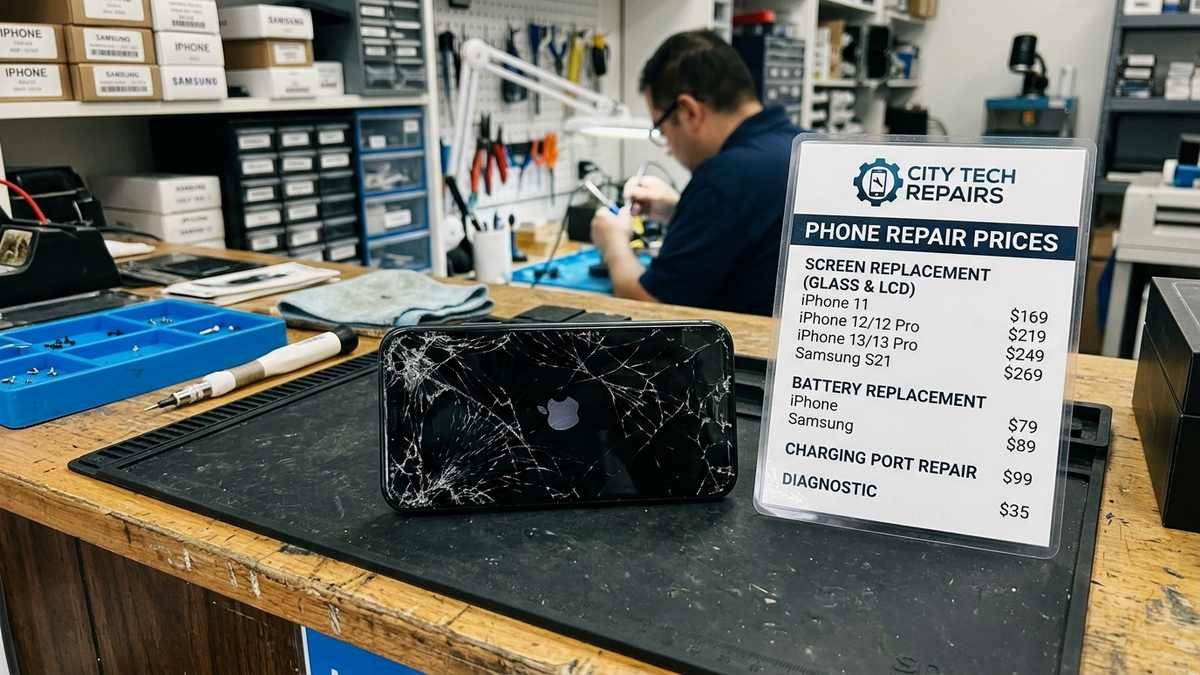
Your iPhone Screen Repair Options, Explained
Option 1: Apple Store or Apple Authorized Service Provider
This is the gold standard. You get a genuine Apple display, factory calibration (True Tone, color accuracy, and touch sampling all work exactly as designed), and your remaining warranty stays intact. Book a Genius Bar appointment through Apple’s support site, or start a mail-in repair. Same-day service is common for screens at busy stores; mail-in typically takes 3–5 business days. The downside is purely price: without AppleCare+, you pay the full out-of-warranty fee. Check your coverage and get Apple’s official estimate at Apple’s iPhone repair page before deciding.
Option 2: AppleCare+ ($29 Screen Incidents)
If you bought AppleCare+ within 60 days of purchasing your iPhone (or it came with your carrier plan), screen repair costs a flat $29 per incident. AppleCare+ also covers back-glass damage at the same $29 fee and other accidental damage at $99 per incident, with battery service free when capacity drops below 80 percent. Do the math: a single out-of-warranty Pro screen repair often costs more than a year of AppleCare+. If you are accident-prone, it is the best value in phone insurance.
Option 3: Independent Repair Shops
A good independent shop replaces your screen in under an hour, often while you wait, for significantly less than Apple. The critical question to ask: what part are they installing? The market has tiers — budget aftermarket LCDs (cheap, visibly worse), premium aftermarket OLEDs (close to original), and refurbished genuine Apple displays (best quality, highest price).
A reputable shop tells you which tier you are getting and warranties the work for at least 30–90 days. Be wary of prices that seem too good to be true on Pro models — a $99 iPhone 16 Pro Max screen replacement is a budget LCD that will look wrong next to a genuine panel.
Option 4: Apple Self Service Repair (DIY With Genuine Parts)
Apple’s Self Service Repair program sells genuine iPhone parts and rents the same specialized tools Apple technicians use (about $49 for a 7-day tool rental kit). You get a real Apple display and access to the official repair manuals. This is a legitimate middle path — genuine parts without Apple’s labor pricing — but it is genuinely difficult work: iPhones are glued shut, the display is paired to the logic board, and you must run Apple’s System Configuration tool after the repair to calibrate the new screen. Best suited to experienced DIYers, not first-timers.
Option 5: Full DIY With Aftermarket Parts
The cheapest option and the riskiest. Aftermarket screen kits cost $40–$150 depending on the model, and countless video tutorials walk you through it. But modern iPhones fight back: non-genuine displays can trigger “Unknown Part” warnings in Settings, True Tone may stop working, and Face ID can break if the earpiece flex assembly is damaged during the repair. You also void any remaining Apple warranty. Only consider this for older, out-of-warranty phones where the device’s remaining value is low.
Genuine vs. Aftermarket iPhone Screens: Why It Matters
Not all replacement screens are equal, and the difference is visible every time you look at your phone:
| Factor | Genuine Apple display | Premium aftermarket OLED | Budget aftermarket LCD |
|---|---|---|---|
| Color accuracy & brightness | Factory spec | Close | Noticeably worse |
| True Tone | Works | Usually works | Often broken |
| Touch responsiveness | Factory spec | Good | Can lag or ghost-touch |
| “Unknown Part” warning | None | Possible | Likely |
| Durability of glass | Ceramic Shield grade | Varies | Weaker |
| Typical cost (installed) | $279–$429 at Apple | $150–$280 at shops | $80–$150 at shops |
If you plan to keep the phone for years, the genuine or premium tier pays for itself in daily display quality. For a phone you will trade in next year, mid-tier is the rational compromise.
What to Do Before Any iPhone Screen Repair
Do these five things before handing your iPhone to anyone — Apple included:
- Back up everything. Use iCloud Backup or an encrypted computer backup. Repairs occasionally require a full device replacement, and data does not always survive.
- Turn off Find My iPhone (or be ready with your Apple ID password). Apple requires it disabled for service; reputable shops ask you to do it in front of them.
- Remove your passcode or provide it — technicians need to test the new screen’s touch function.
- Photograph the damage and note any other issues (battery health, buttons). This protects you if new damage is blamed on the shop.
- Check your AppleCare+ or carrier insurance status first. Paying out of pocket when you are covered is an expensive mistake.
Also remove your SIM/eSIM concerns by confirming your eSIM transfers — on modern iPhones the eSIM lives on the logic board, not the screen, so it survives screen repair, but confirm with the technician anyway.
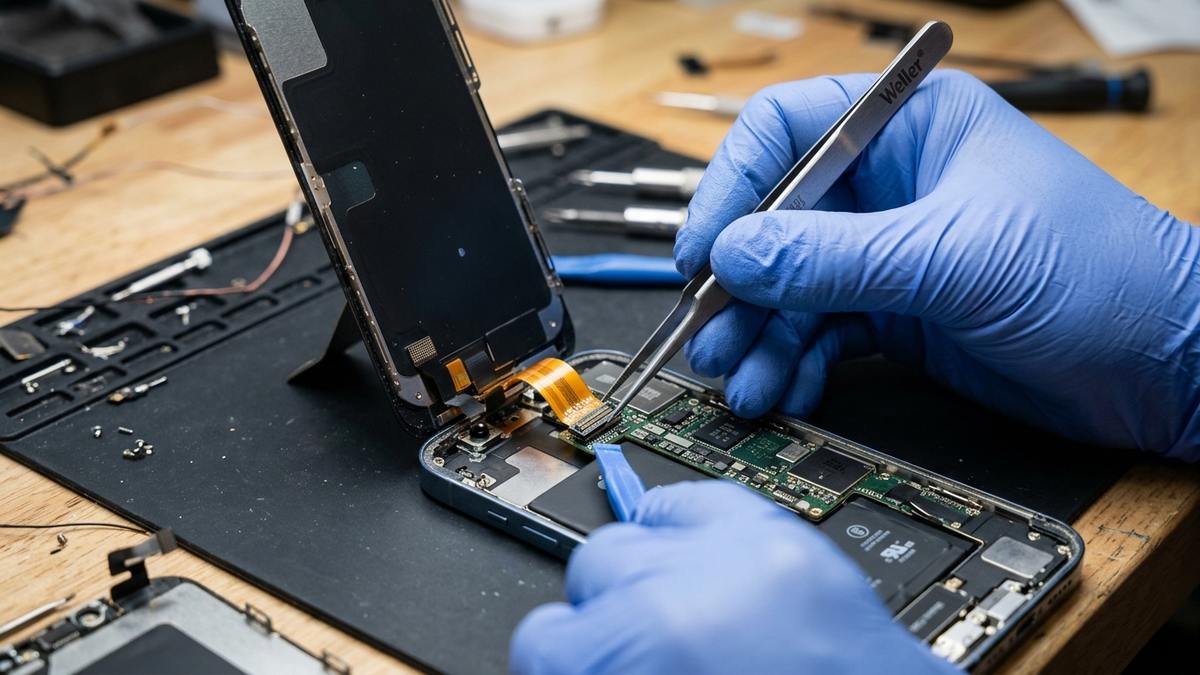
Model-Specific Notes: iPhone 16, iPhone 12, and iPhone XS
Repair economics change with the phone’s age, which is why we have dedicated breakdowns for common models:
- iPhone 16 screen replacement — the current mainstream repair. Apple’s $279–$379 out-of-warranty pricing makes AppleCare+’s $29 fee look like a bargain, and premium third-party OLEDs are widely available. See our full iPhone 16 screen replacement cost breakdown.
- iPhone 12 screen — now a budget-friendly repair. Genuine-quality OLED assemblies are plentiful and cheap, making third-party repair the sweet spot for this generation. Details in our iPhone 12 screen guide.
- iPhone XS screen replacement — at this age, weigh the repair cost against the phone’s remaining value and software support horizon. Often the right call is a mid-tier third-party screen or retirement. See iPhone XS screen replacement for the numbers.
The general rule: the older the phone, the stronger the case for third-party repair over Apple’s flat out-of-warranty fees.
How to Choose a Trustworthy Repair Shop
- Ask what part tier they install and get it in writing on the receipt.
- Ask about the warranty — 90 days on parts and labor is the mark of a confident shop; “no warranty” is a walk-away signal.
- Check reviews across Google and Yelp, filtering for screen-repair mentions specifically.
- Watch for the upsell — a cracked screen does not require a new battery. Decline bundled extras you did not ask for.
- Prefer shops that test in front of you — touch, cameras, Face ID, and earpiece before you pay.
What Apple Actually Replaces During a Screen Repair
It helps to know what “screen repair” physically means. Apple does not replace just the glass — on modern iPhones the display is a fused assembly of cover glass, OLED panel, and digitizer. Apple swaps the entire display assembly as one calibrated unit, which is why True Tone, brightness, and touch all come back factory-perfect.
Independent shops do the same with their assemblies; the quality difference lives entirely in which assembly tier they install. Anyone offering to replace “just the glass” on a modern iPhone is describing a risky glass-only refurbishing process that often damages the OLED beneath — it is cheaper, but the failure rate is real.
Temporary Measures While You Wait for Repair
If you cannot get the screen fixed today, a few stopgaps keep the phone usable and prevent worse damage. Apply a tempered-glass screen protector over the crack — it holds shards in place and protects your fingers. Avoid pressing hard on the cracked area, since pressure can damage the OLED beneath and turn a glass-only crack into a display failure.
Back up immediately; a cracked screen’s compromised water resistance means one rainy day can escalate the damage to the logic board. And turn on extra iCloud backup frequency until the repair is done — if the touch digitizer dies suddenly, you want your data already safe.
If the issue is power rather than glass, our iPhone won't charge troubleshooting guide covers cable, port, and battery causes.
Screen Repair and Water Resistance: What Changes
Modern iPhones carry an IP68 water-resistance rating, but that rating depends on factory adhesive seals — which are broken the moment the phone is opened. Apple reseals phones during official repairs and tests them, restoring as much protection as possible. Independent shops vary: good ones replace the adhesive gasket with a new one; careless ones reuse the old seal or skip it.
After any third-party screen repair, treat the phone as splash-resistant at best — no swimming, no shower use — regardless of what the shop claims. And note that Apple considers water damage after unauthorized opening to be outside warranty coverage, so the seal quality genuinely matters.
Selling or Trading In a Phone With a Repaired Screen
A repaired screen affects resale value, but less than a cracked one. Apple’s own trade-in program accepts phones with third-party screens but values them lower; carriers vary. If you plan to trade in within a year, keep the repair receipt showing a premium or genuine part — it helps at independent resellers.
For maximum trade-in value on a recent iPhone, Apple’s own repair preserves the most value, since the device remains all-genuine. On older phones, the math flips: a cheap third-party screen that makes the phone usable beats a cracked screen’s near-zero value every time. Either way, disclose the repair honestly to the buyer — undisclosed third-party screens discovered during inspection can kill a sale or trigger a return.
iPhone Screen Repair for Older Models: When to Stop Investing
There is a point where screen repair stops making financial sense. If the repair costs more than half the phone’s working resale value, or if the model no longer receives iOS security updates, put the money toward a replacement instead. An iPhone 8 with a $129 Apple screen repair is a worse deal than a refurbished iPhone 12 at twice the price — the newer phone buys you years of updates, better cameras, and 5G. As a rule of thumb, repair phones from the last four generations; retire anything older unless it serves as a backup device.
Frequently Asked Questions
How much does Apple charge to fix a cracked iPhone screen?
With AppleCare+, $29 per incident. Without coverage, roughly $279–$379 for iPhone 16 models and $129–$379 for older models, varying by exact model and region, before tax. Apple publishes current estimates on its official repair page.
Will a third-party screen repair void my warranty?
Apple’s warranty does not cover damage caused by unauthorized modifications, and a third-party screen can complicate future warranty claims on related components. If your iPhone is still under Apple’s limited warranty or AppleCare+, use Apple or an authorized provider. For out-of-warranty phones, this concern disappears.
Can I replace my iPhone screen myself?
Physically yes, sensibly only sometimes. Apple’s Self Service Repair program makes genuine-part DIY legitimate but difficult; aftermarket DIY is cheaper but risks True Tone loss, Face ID damage, and “Unknown Part” warnings. First-timers should not learn on their primary phone.
How long does iPhone screen repair take?
Apple Stores often do it same-day with an appointment. Independent shops typically take 30–90 minutes. Mail-in Apple repairs take 3–5 business days. DIY takes 1–3 hours for experienced repairers, longer for beginners.
Is a cracked screen dangerous to keep using?
Mildly. Cracked glass can cut fingers, glass shards can migrate, and the compromised seal kills water resistance — moisture intrusion after a crack is a common cause of later logic-board failure. Small cracks also tend to spread. Repair sooner rather than later.
Does AppleCare+ cover a shattered back glass too?
Yes — back-glass damage carries the same $29 per-incident service fee as screen damage under current AppleCare+ plans, while other accidental damage is $99 per incident.
Final Thoughts
iPhone screen repair in 2026 is a buyer’s market: Apple, authorized providers, independent shops, Apple’s own Self Service Repair program, and DIY kits all compete for your cracked screen. The right choice depends on your coverage and your phone’s age — AppleCare+ holders should just book Apple; out-of-warranty owners of current models should compare Apple’s flat fee against a reputable shop’s premium-OLED quote; owners of older phones should go third-party and save the difference.
Whatever route you pick, back up first, verify the part tier, and get the warranty in writing. For model-specific numbers, see our iPhone 16 screen replacement, iPhone 12 screen, and iPhone XS screen replacement guides.