Suno Pricing: Free vs Pro vs Premier Plans Explained
Suno pricing is refreshingly simple on paper — three tiers, one credit system — but the details that actually matter for creators hide in the fine print: commercial rights, monthly download caps, and which AI music model each plan unlocks. Whether you’re a YouTuber needing background tracks, a songwriter prototyping ideas, or a producer building a catalog, choosing the wrong Suno plan means either paying for capacity you’ll never use or hitting a wall mid-project.
This guide breaks down Suno’s 2026 pricing completely: what each plan costs, how the credit system works, who owns the songs you generate, and which tier makes sense for your workflow.
What Is Suno?
Suno is an AI music generator that turns text prompts into full songs — lyrics, vocals, instrumentation, and production — in seconds. Describe a mood, genre, or lyrical theme, and Suno’s model composes an original track complete with AI vocals. It’s become the go-to tool for creators who need custom music without hiring musicians: YouTubers, podcasters, indie game developers, advertisers, and songwriters using it as a demo machine.
Suno runs on a credit system: every generation costs credits, and each plan includes a monthly (or daily, on free) credit allowance. The current flagship model is v5.5 (launched March 2026, adding verified voice cloning, custom fine-tuned models, and a personalization engine), with the v6 generation rolling out through 2026. Because pricing details shift with each model release, always confirm the live numbers on Suno’s official pricing page before committing — especially to an annual plan.
Suno Pricing in 2026: All Three Plans Compared
| Free (Basic) | Pro | Premier | |
|---|---|---|---|
| Price | $0 | $10/mo ($8/mo billed annually) | $30/mo ($24/mo billed annually) |
| Credits | 50/day (~10 songs) | 2,500/month (~500 songs) | 10,000/month (~2,000 songs) |
| Model access | Older/compact models only | Current flagship model | Current flagship model |
| Commercial rights | No — Suno owns output | Yes, for songs made on the plan | Yes, for songs made on the plan |
| Monthly downloads | Trial downloads only | 20 songs/month | 60 songs/month |
| Stem separation | Not available | Standard stem split | Advanced Split + MIDI export |
| Suno Studio | No | No | Yes |
| Voices / Personas | No | Yes | Yes |
| Audio upload | Short clips | Longer uploads | Longer uploads |
| Add-on credits | Not available | Available to purchase | Available to purchase |
| Queue | Shared (slower) | Priority, 10 concurrent | Priority, 10 concurrent |
Annual vs. monthly billing
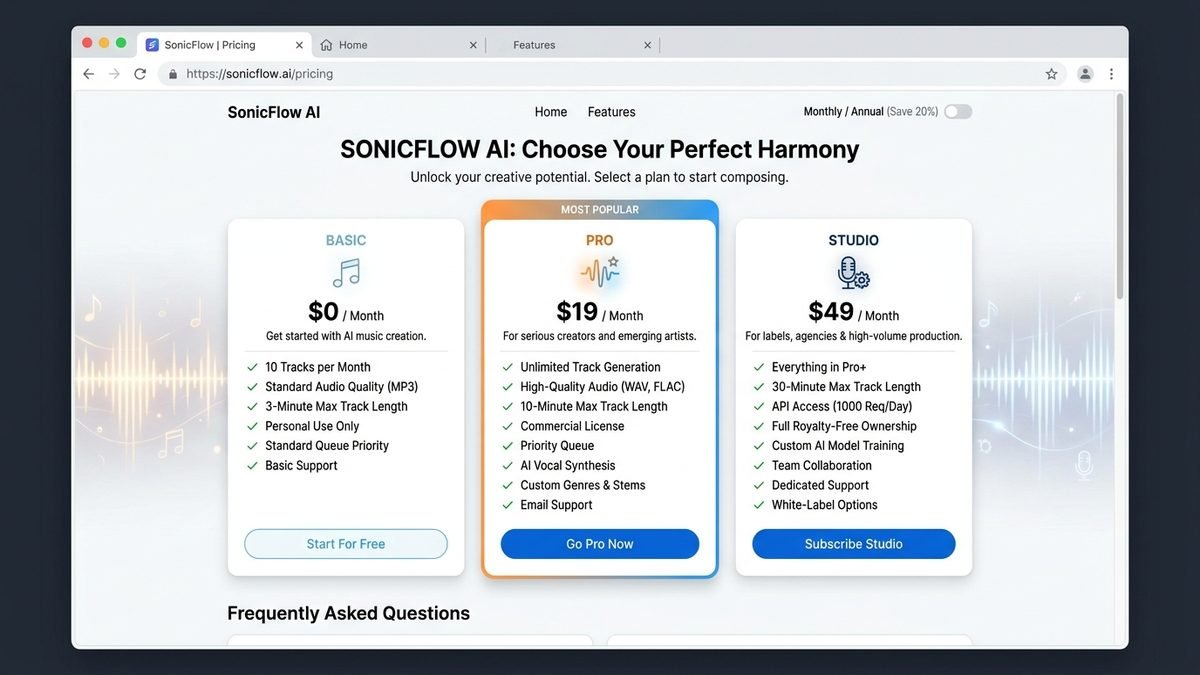
Annual billing saves 20% on both paid tiers — Pro drops to an effective $8/month and Premier to $24/month. If you’ve tested the free tier and Suno clearly fits your workflow, annual pays for itself within months. Monthly billing stays available for flexibility: seasonal creators, one-off projects, or anyone still evaluating.
Suno’s Models Explained: Which Version Do You Get?
Not all Suno plans generate with the same brain. Model access is one of the quiet but significant differences between tiers:
- Free tier: older or compact models (the v4.5-all generation and the lightweight v6-mini). Good enough to judge the concept, noticeably behind on vocal realism, arrangement complexity, and prompt adherence.
- Pro and Premier: the current flagship model — v5.5 as the stable release through most of 2026, with v6 and its variants (like v6-wild) rolling out. This is where the “wow” generations come from: more natural vocals, richer instrumentation, better handling of unusual genre blends.
The March 2026 v5.5 release added three features worth knowing:
- Voices — verified voice cloning, letting artists create with their own licensed vocal identity (Pro/Premier only).
- Custom Models — fine-tune the model on your own catalog, up to 3 per account, so generations match your signature sound.
- My Taste — a personalization engine available to everyone including free users, which learns your preferences and steers generations toward them.
If you’re evaluating Suno on the free tier, understand you’re hearing the demo version of the engine. The paid models are a genuine step up — which is exactly why the free tier works as a trial but not as a production tool.
Suno for Different Creators: What Each Workflow Needs
YouTubers & video creators. You need background tracks and intros you can monetize without copyright strikes. Pro is the sweet spot: commercial rights, 500 songs/month, and stem separation for fitting music under dialogue. Generate channel themes once, then iterate monthly.
Animation creators often pair Suno-generated soundtracks with 3D visuals — our SFM compile guide walks through rendering and exporting finished movies in Source Filmmaker. SFM compile guide for rendering Source Filmmaker movies
Podcasters. Intros, outros, and segment bumpers — a handful of tracks per show, reused indefinitely. Pro’s 20 monthly downloads are plenty; most podcasters never touch Premier.
Songwriters & musicians. Suno as a demo machine: generate 20 versions of a chorus in an afternoon, pick the best, then re-record or refine in a DAW. Heavy iteration burns credits fast — this is the one use case where Premier’s 10,000 credits start looking rational, especially with Suno Studio’s MIDI export feeding your real production workflow.
Indie game developers. You need lots of loopable ambient tracks and stingers. Volume matters more than per-track perfection, making Premier’s credit pool attractive during active development — then drop back to Pro (or cancel) between projects.
Advertisers & agencies. Client work demands commercial rights and clean licensing paperwork, full stop. Pro minimum; Premier if you’re producing at campaign scale. Never deliver a free-tier generation to a client — you don’t own it.
Hobbyists. Stay on free. Fifty songs a day of experimentation costs nothing, and the only thing you give up is commercial use you don’t need.
Tips to Get the Most Out of Your Credits
- Write detailed prompts first. Vague prompts (“happy song”) waste generations. Specify genre, tempo, mood, vocal style, and lyrical theme in one careful prompt rather than rolling the dice five times.
- Use My Taste. The free personalization engine learns your preferences — the more you use it, the fewer wasted generations.
- Iterate with purpose. Each variation costs credits. Change one thing per iteration (lyrics or style or tempo), not everything at once, so you learn what works.
- Download selectively. With 20 downloads/month on Pro, don’t download every experiment — curate. Keep a shortlist and download only keepers.
- Batch your work. Since credits don’t roll over, a focused monthly session beats dribbles of unused allowance. If you know a quiet month is coming, consider dropping to free and resubscribing when projects return.
How Suno Credits Work
Credits are the fuel of the platform, and misunderstanding them is the #1 source of billing confusion:
- Each song generation costs roughly 5 credits. That math gives you ~10 songs/day on free, ~500/month on Pro, ~2,000/month on Premier.
- Subscription credits do NOT roll over. Free daily credits reset every 24 hours; Pro/Premier monthly credits reset each billing cycle. Unused credits vanish.
- Purchased add-on credits don’t expire — but you need an active paid subscription to spend them.
- Stem separation, remastering, and advanced edits can cost additional credits beyond the base generation.
Practical tip: Pro’s 2,500 credits sound like a lot until you’re iterating. Serious songwriters routinely burn 30–50 credits refining a single track (variations, lyric tweaks, remasters). Budget for iteration, not just finished songs.
Commercial Rights: Who Owns Your Songs?
This is the most important section of this guide. Read it twice.
- Free tier: you may not use outputs commercially, and Suno retains ownership of songs generated on the free plan. No YouTube monetization, no client work, no ads, no streaming revenue.
- Pro and Premier: you own the songs you generate and may use them commercially — publish, monetize, license to clients.
- Upgrading doesn’t retroactively unlock rights. Songs made on the free plan stay non-commercial forever, even after you subscribe. If a track might earn money someday, generate it on a paid plan from the start.
- Since September 2026, commercial use attaches to permitted downloads. Your monthly download allowance (20 on Pro, 60 on Premier) is the practical bottleneck: you can generate hundreds of songs but only take a limited number out of the platform each month with full commercial standing. Inside Suno Studio (Premier), project exports work differently per Suno’s FAQ.
The legal backdrop
Suno settled its lawsuit with Warner Music Group in late 2025 — one of the first major AI-music copyright resolutions. Terms weren’t fully disclosed, but the settlement removed significant legal uncertainty around Suno’s commercial licensing. As of 2026, the major-label standoff that shadowed AI music has eased, though the legal landscape is still evolving. Suno’s position is more settled than most competitors’.
Suno Studio: What Premier Really Buys You
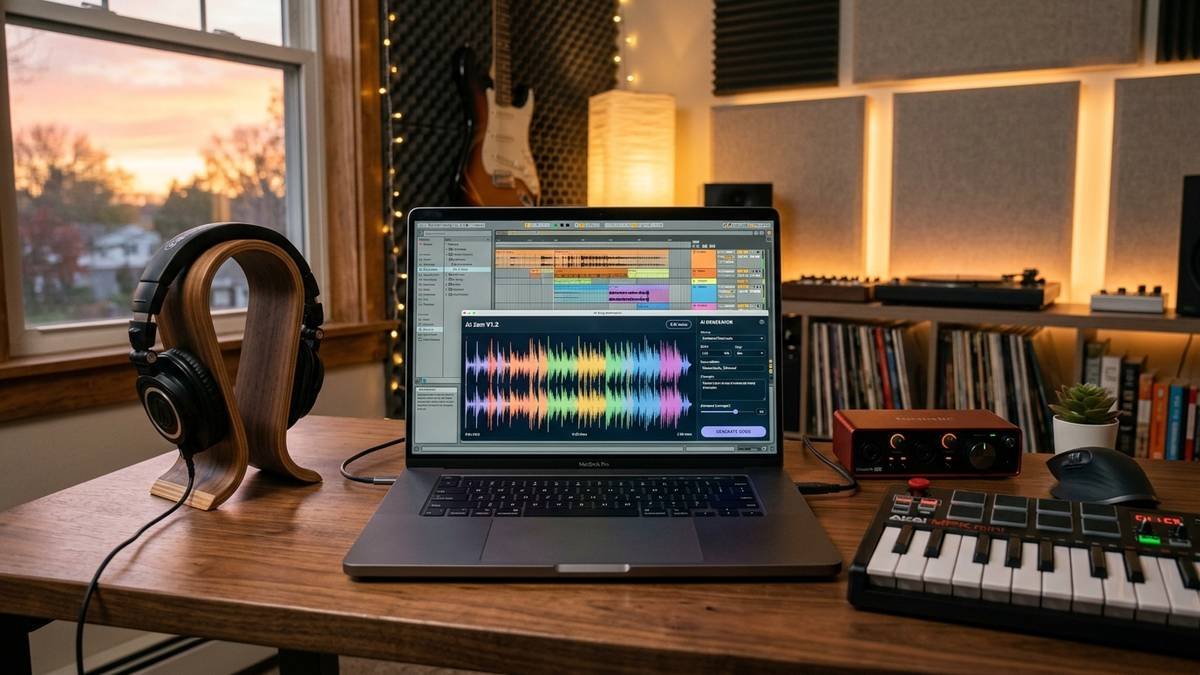
The jump from Pro ($10) to Premier ($30) is mostly about one thing: Suno Studio, a generative audio workstation for finishing tracks. Where the standard interface generates finished songs, Studio gives you:
- Advanced Split stem separation — isolate vocals, drums, bass, and instruments for real mixing
- MIDI export — take melodies into your DAW for human refinement
- Multitrack-style editing — rearrange, extend, and reshape generations
- Higher download allowances and no practical cap on Studio project exports
If Suno is a sketchpad for you, Pro is enough. If Suno is becoming your production environment — you’re finishing and releasing tracks — Premier’s Studio is the only way to get that control. For most YouTubers, podcasters, and casual creators, it’s overkill.
Suno vs. Udio: The Main Alternative
Udio is Suno’s closest competitor — similar text-to-song generation, similar pricing philosophy. As of late 2026, the decision variable isn’t generation quality (both are strong) but export reliability: Suno’s download and commercial-rights pipeline is clearly documented and functional, while Udio has had periods where audio/video/stem downloads were restricted. For anyone shipping music into real projects on a deadline, Suno’s clearer export story wins. For pure experimentation and taste-testing, trying both free tiers costs nothing.
The AI tools market moves fast — for how other AI subscriptions are priced, see Perplexity Pricing 2026: Every Plan Explained and Grok Pricing: 7 Best Plans, Prices & Costs in 2026, plus our n8n pricing guide for the automation side of the AI stack.
Which Suno Plan Should You Choose?
- Choose Free if you’re exploring AI music, testing whether Suno’s style fits your taste, or making songs purely for fun with no commercial plans. The 50 daily credits are genuinely enough to evaluate the platform.
- Choose Pro if you publish or monetize anything — YouTube videos, podcasts, client work, streaming releases. Commercial rights alone justify the $10/month, and 500 songs/month covers nearly every individual creator.
- Choose Premier if you’re generating at high volume (consistently near Pro’s limits), need Suno Studio’s stem/MIDI editing for a production workflow, or want the higher download allowance for a release schedule.
Frequently Asked Questions
Quick answers to the questions creators ask most about Suno’s pricing, credits, commercial rights, and how the plans compare in real-world use.
Is Suno free?
Suno has a free tier ($0) with 50 credits per day — enough to experiment. But free songs can’t be used commercially, downloads are limited to trials, and you only get older models. Serious use requires Pro ($10/month) or Premier ($30/month).
How much does Suno Pro cost per song?
Roughly $0.02 per song: $10/month for ~500 songs (2,500 credits at ~5 credits per song). On annual billing ($8/month effective), it’s closer to $0.016 per song. Premier’s per-song cost is even lower (~$0.015), but only matters if you use the volume.
Do Suno credits roll over to next month?
No. Subscription credits reset each billing cycle (daily on free). Only purchased add-on credits persist — and they require an active subscription to spend.
Can I use Suno songs on YouTube or Spotify?
Only songs generated on Pro or Premier, downloaded within your plan’s allowance. Free-tier songs cannot be monetized or commercially distributed — Suno retains ownership of those.
What happens to my songs if I cancel?
You keep access to your library, but you lose the ability to generate new songs and to purchase/spend add-on credits. Commercial rights for songs properly generated and downloaded on a paid plan remain yours.
Is Suno better than Udio?
For shipping finished, downloadable, commercially-usable music, Suno currently has the clearer pipeline. For experimentation, both free tiers are worth trying — taste is subjective, and the models have different strengths.
Does Suno offer refunds?
Suno’s refund policy follows standard SaaS terms — check the current terms on suno.com before subscribing, especially on annual plans. When in doubt, start monthly.
Can I sell songs I make with Suno?
Yes — if they were generated on Pro or Premier and downloaded within your allowance. You own those songs and can sell, license, or stream them. Songs from the free tier cannot be sold or monetized.
Does Suno watermark its output?
Free-tier generations carry watermarks/attribution markers; paid plans produce clean downloads suitable for professional use. Another quiet reason the free tier doesn’t work for published content.
The Bottom Line
Suno’s pricing is honest: a genuinely useful free tier for exploration, a $10 Pro plan that unlocks commercial rights and 500 songs a month (the right choice for ~90% of creators), and a $30 Premier tier for high-volume producers who need Suno Studio. The critical rule is simple — never generate a potentially commercial track on the free plan, because upgrading won’t retroactively grant you rights to it.
Start free, upgrade to Pro the moment money might be involved, and only consider Premier when Studio’s editing tools become the bottleneck in your workflow. Check the live numbers on suno.com before committing to annual billing, since credit amounts and model lineups evolve with each release.