How to Cancel Your ChatGPT Subscription (Web, iPhone & Android)
Paying $20 a month for ChatGPT Plus made sense when you were using it every day. But usage changes — maybe you’ve switched to another assistant, maybe the free tier now covers your needs, or maybe you just want to trim subscriptions. Whatever the reason, a chatgpt cancel subscription takes about two minutes once you know where to click.
The catch: the steps are different depending on where you originally subscribed — the ChatGPT website, the iPhone app, or the Android app. Cancel in the wrong place and nothing happens: no confirmation, no stopped billing, just the same charge next month. This guide covers all three paths, what happens after you cancel, refunds, and the mistakes that keep people getting billed.
Why People Cancel ChatGPT Plus
The most common reasons are refreshingly ordinary:
- Usage dropped. The intense project ended; the free tier’s limits now cover daily needs.
- Switching tools. A workplace standardized on Copilot, or Gemini’s integration won them over.
- Cost cutting. $20/month ($240/year) is real money — especially stacked with other AI subscriptions.
- The free tier got better. Free ChatGPT in 2026 includes far more than it did two years ago, including some image generation and broader model access.
- Upgrading, not leaving. Some “cancellations” are actually moves to Pro ($200/month) or team/enterprise plans — same flow, different destination.
- Seasonal use. Students and freelancers often subscribe for a semester or a project, then cancel until the next one — the monthly billing model is built for exactly this pattern.
Whatever your reason, the mechanics are identical. The only thing that changes the steps is where you subscribed.
ChatGPT Plans at a Glance (2026)
Knowing the lineup helps you decide whether to cancel outright or just step down:
| Plan | Price | Best for |
|---|---|---|
| Free | $0 | Casual use, light brainstorming, trying things out |
| Go | ~$8/month | Regular users who hit free limits occasionally |
| Plus | $20/month | Professionals, creators, heavy daily users |
| Pro | $200/month | Power users running massive Deep Research and advanced workloads |
Plus is where most individual professionals land — higher limits, image generation and Deep Research on demand, custom GPTs, and Projects for repeatable work. If you regularly bump into usage caps, Plus earns its keep; if you only open ChatGPT a few times a week, the free tier probably covers you. (For the full breakdown, see Is ChatGPT Free? 12 Essential Things to Know in 2026.)
How to Check Where You’re Subscribed
Not sure which path applies to you? Two quick checks:
- In ChatGPT: profile icon → Settings → Subscription. If you see “Manage subscription” with billing details, you’re web-billed — use the web path. If the subscription section tells you to manage billing through the App Store or Google Play, follow the mobile path instead.
- On your phone: iOS Settings → Subscriptions, or Play Store → Payments & subscriptions → Subscriptions. If ChatGPT appears there, that’s your billing owner.
When in doubt, check both. The subscription exists in exactly one place.
How to Cancel ChatGPT Pro ($200/month)
The Pro tier cancels through the exact same flows — web settings, App Store, or Google Play, depending on signup method. The only differences are the stakes: at $200/month, an extra accidental renewal hurts ten times more, so cancel at least 2–3 days before the renewal date, and screenshot your cancellation confirmation. Everything else (access until period end, no proration, easy resubscribe) works the same.
Before You Cancel: What You Need to Know
Canceling is not instant. Your paid features stay active until the end of your current billing period. Cancel on the 5th with a renewal date of the 20th, and you keep Plus for 15 more days. After that, the account drops to the free tier automatically.
There are no partial refunds. OpenAI doesn’t prorate — you won’t get money back for unused days in the current cycle. There is also no penalty for canceling, and you can resubscribe later at the same rate whenever you want.
Figure out where you subscribed first. This is the step most people skip, and it’s the #1 reason cancellations “don’t work”:
– Subscribed at chatgpt.com in a browser → cancel on the web (below)
– Subscribed inside the iPhone/iPad app → cancel through Apple (App Store billing)
– Subscribed inside the Android app → cancel through Google Play
If you try to cancel a Apple-billed subscription on the ChatGPT website, you’ll find no cancel button — because OpenAI isn’t the one billing you.
Canceling ≠ deleting your account. Canceling stops future payments but keeps your account, chats, and history. Deleting your OpenAI account is a separate, permanent action. Don’t confuse the two.
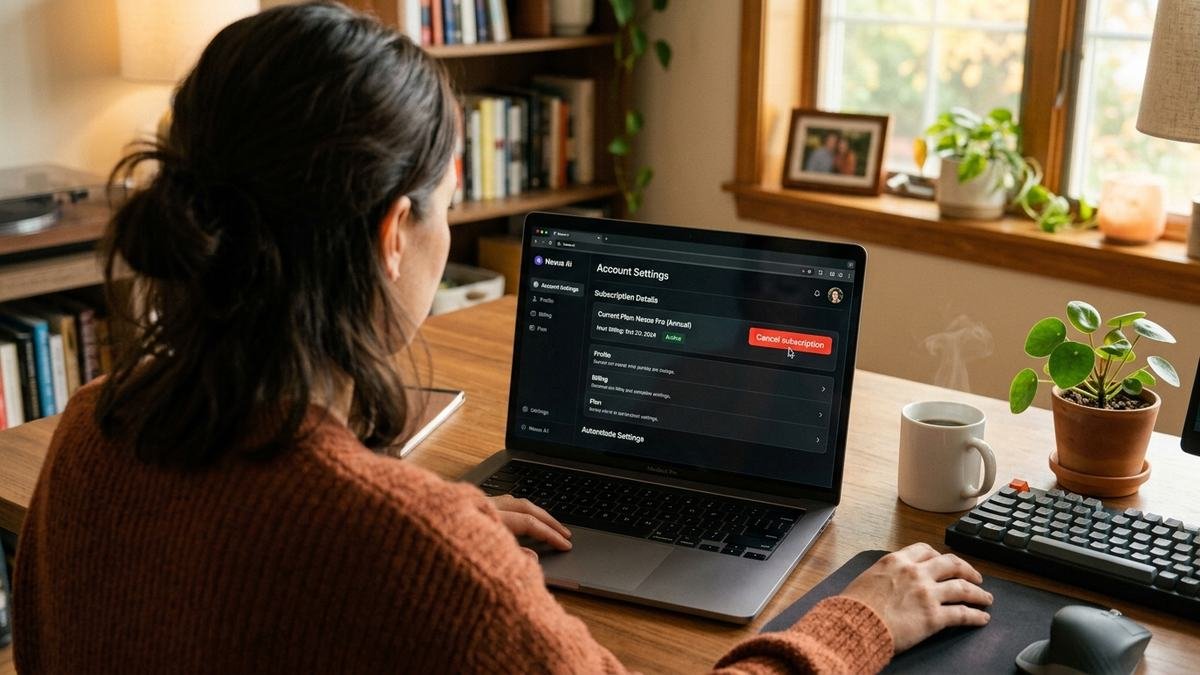
How to Cancel Your ChatGPT Subscription on the Web (Desktop/Laptop)
This is the path if you signed up directly at chatgpt.com. Works on any desktop browser, Windows or Mac.
- Go to chatgpt.com and log in with the account tied to your subscription. (Double-check the email if you have more than one OpenAI account.)
- Click your profile icon or name in the bottom-left corner of the sidebar.
- Select Settings from the menu.
- Open the Subscription tab (it may appear as “My plan” depending on the current interface).
- Click Manage subscription — this takes you to the Stripe billing portal.
- Select Cancel plan and confirm your choice.
You’ll see a confirmation screen, and OpenAI sends a cancellation email within a few minutes — keep it as your proof of cancellation. Your plan page will now show the date your paid access ends instead of the next renewal date.
Note: OpenAI has added retention screens and occasional “pause” offers to this flow. If you’re offered a pause instead of a cancel and you’d rather fully stop billing, keep clicking through to the full cancellation.
How to Cancel ChatGPT Plus on iPhone/iPad (App Store Billing)
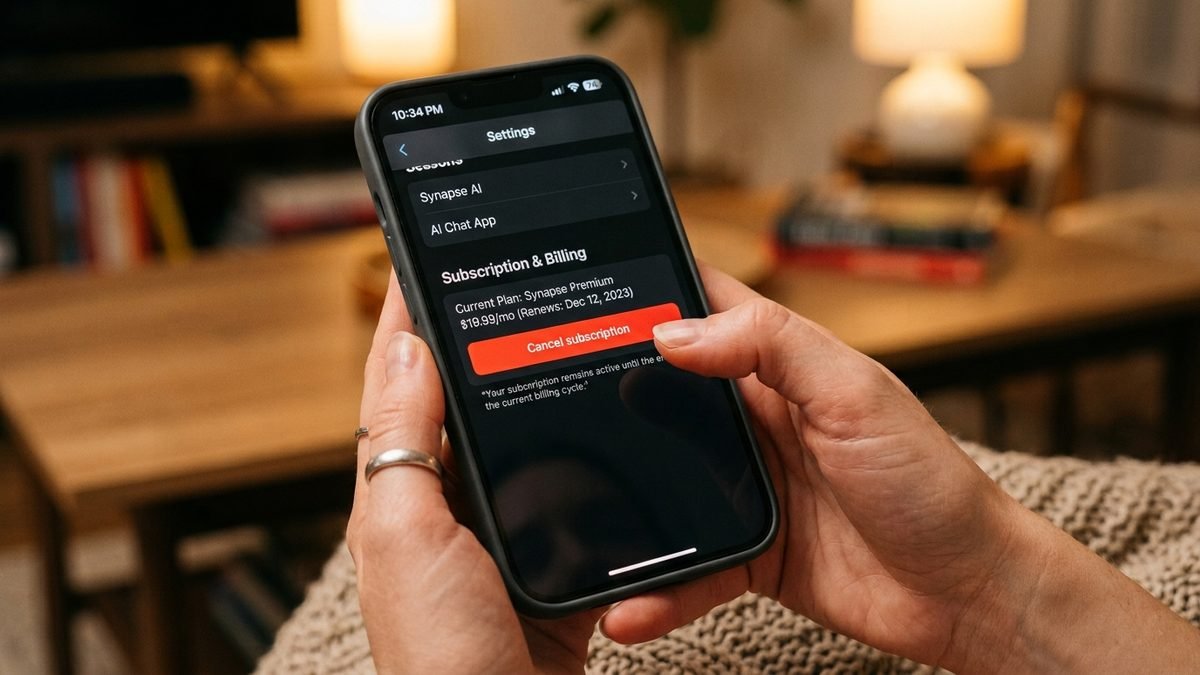
If you subscribed inside the ChatGPT iOS app, Apple handles your billing — not OpenAI. Canceling inside the ChatGPT app won’t work. Do this instead:
- Open the Settings app on your iPhone or iPad.
- Tap your name at the top to open your Apple ID.
- Tap Subscriptions.
- Find ChatGPT in the list and tap it.
- Tap Cancel Subscription and confirm.
Alternative path: App Store → your profile icon (top right) → your name → Subscriptions → ChatGPT → Cancel.
Your Plus access continues until the end of the paid period. Apple doesn’t issue automatic prorated refunds, but you can request one at Apple’s refund portal (support.apple.com) within a reasonable window — approvals are case-by-case, not guaranteed.
Timing tip: Apple typically prepares the charge about 24 hours before the renewal date. Finish the cancellation before that window to skip the next cycle cleanly.
How to Cancel ChatGPT Plus on Android (Google Play Billing)
Subscribed through the Android app? Google Play owns the billing relationship. Uninstalling the app does not cancel the subscription — you must cancel it explicitly:
- Open the Google Play Store (make sure you’re signed into the Google account you subscribed with).
- Tap the menu → Payments & subscriptions → Subscriptions.
- Select the ChatGPT plan.
- Tap Cancel subscription and follow the prompts.
If you don’t see ChatGPT in the list, you’re probably on the wrong Google account — switch accounts in the Play app and check again. Google Play also offers a pause option in some regions if you want a short break without fully canceling.
Quick-reference: cancel paths by signup method
| Where you subscribed | Where you cancel | Path |
|---|---|---|
| Web (chatgpt.com) | ChatGPT settings | Profile → Settings → Subscription → Manage subscription → Cancel plan |
| iPhone/iPad app | iOS Settings | Settings → Your Name → Subscriptions → ChatGPT → Cancel |
| Android app | Google Play | Play Store → Payments & subscriptions → Subscriptions → ChatGPT → Cancel |
What You Actually Lose: Plus vs. Free After Cancellation
When the billing period ends, here’s what changes in practice:
| Capability | Plus (until period ends) | Free (after) |
|---|---|---|
| Usage limits | High message caps, priority access | Lower caps, throttled at peak times |
| Image generation | Full access on demand | Limited |
| Deep Research | Available | Very limited or unavailable |
| Custom GPTs | Create and use fully | Use (with limits); creation restricted |
| Projects | Full organization features | Limited |
| Voice/advanced modes | Priority | Basic |
| Chat history & files | Kept | Kept — nothing is deleted |
The practical test: if your normal week never hits a “you’ve reached your limit” message on the free tier, you won’t miss Plus. If you hit limits regularly, the $20 is doing real work for you.
What Happens After You Cancel
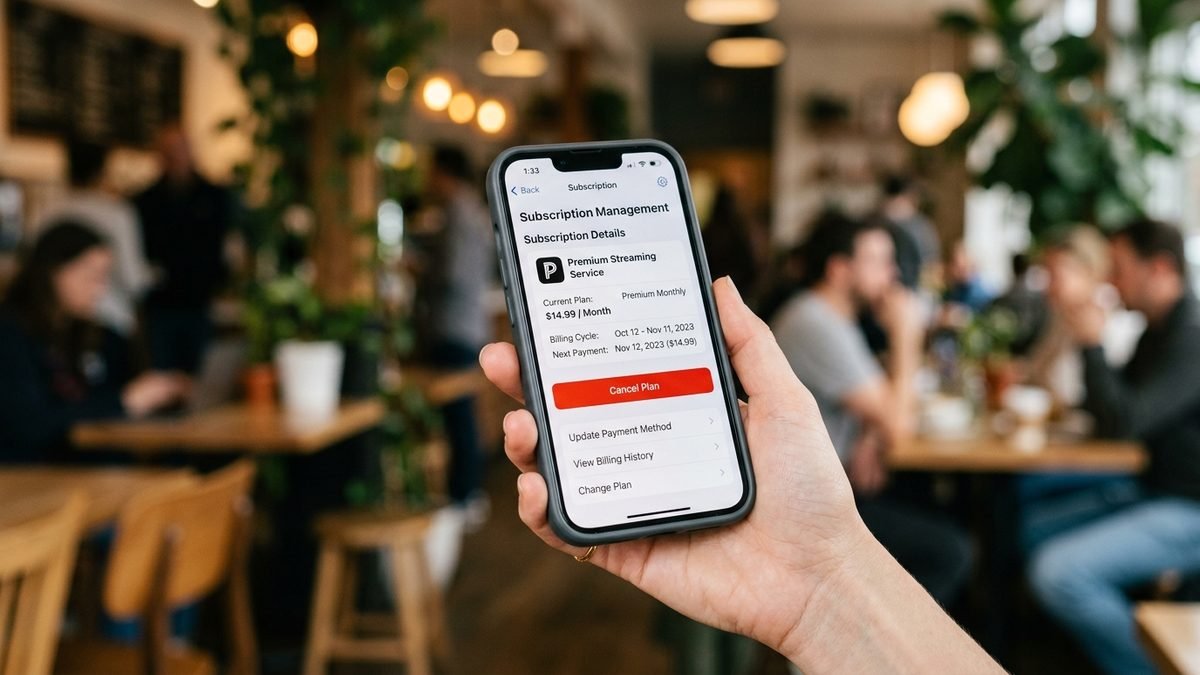
- Until the period ends: nothing changes. You keep every Plus/Pro feature — higher usage limits, image generation, Deep Research, custom GPTs, Projects.
- After the period ends: the account reverts to the Free tier automatically. You lose paid features but keep your account, chat history, and custom GPTs you’ve created (you just can’t use the paid-only capabilities).
- No further charges: billing stops. You won’t be charged again unless you resubscribe.
- Resubscribing: you can rejoin Plus at any time at the standard $20/month rate. Your history and settings are intact.
Alternatives to Canceling
Before you pull the plug, consider whether one of these fits better:
- Downgrade instead of cancel. ChatGPT’s lineup includes Free, Go, Plus, and Pro tiers — dropping to a cheaper tier (or the free plan) may cover your actual usage. See Is ChatGPT Free? 12 Essential Things to Know in 2026 for what each tier includes.
- Switch assistants. If another tool now fits your workflow better, compare options first — our ChatGPT vs Copilot breakdown covers where each assistant shines.
- Pause (where offered). The web cancellation flow sometimes offers a pause — useful if you just need a month or two off without losing your setup rhythm.
Refunds: What to Realistically Expect
- Web subscriptions: OpenAI doesn’t offer automatic partial refunds for unused time. If you were charged unexpectedly (e.g., forgot to cancel), you can contact OpenAI support to ask — outcomes vary.
- Apple billing: request through Apple’s refund portal; decided case-by-case.
- Google Play: Google’s standard refund window and policies apply; subscription refunds after the fact are rarely granted automatically.
The practical rule: cancel at least a day or two before renewal and you won’t need a refund at all.
How to Contact OpenAI Support About Billing
If something goes wrong — a charge after cancellation, a double bill, or a plan that won’t cancel — here’s the escalation path:
- Web billing issues: chatgpt.com → Settings → Subscription → look for a help/support link in the billing portal (Stripe). OpenAI’s support chat can handle billing disputes for direct subscriptions.
- Apple billing: Apple’s refund portal and support — OpenAI can’t touch App Store charges.
- Google Play billing: Google Play Help → request a refund — same deal, Google owns the transaction.
Before contacting anyone, gather: the email on the subscription, the last 4 digits of the charged card, the charge date and amount, and a screenshot of your cancellation confirmation. Support moves much faster with those in hand.
Common Mistakes That Keep You Getting Billed
- Canceling in the wrong place. Apple/Google-billed subscriptions can’t be canceled on chatgpt.com, and web subscriptions can’t be canceled in the App Store. Match the cancel path to the signup path.
- Deleting the app instead of canceling. Uninstalling ChatGPT from your phone does nothing to the subscription.
- Using the wrong account. Multiple OpenAI accounts or Google accounts? The subscription lives on exactly one of them — cancel on the right one.
- Deleting your ChatGPT account instead. Account deletion is permanent and doesn’t necessarily stop Apple/Google billing. Cancel the subscription first, then decide about the account.
- Waiting until renewal day. Billing systems often prepare charges ~24 hours early. Cancel a couple of days ahead to be safe.
Frequently Asked Questions
Will I lose my chats if I cancel ChatGPT Plus?
No. Canceling only ends the paid subscription. Your account, chat history, and saved items remain. You just lose access to Plus-only features after the billing period ends.
Can I cancel ChatGPT Plus from the mobile app?
Not directly if you subscribed on the web — use a desktop/mobile browser at chatgpt.com. If you subscribed through the app store, cancel via the App Store (iOS) or Google Play (Android) subscription settings, not inside the ChatGPT app.
How long do I keep Plus features after canceling?
Until the end of your current billing period. If you cancel mid-cycle, you keep everything you’ve paid for until the renewal date passes.
Can I get a refund for the current month?
Generally no — OpenAI doesn’t prorate or auto-refund partial months. Apple and Google have their own refund request processes, but approval isn’t guaranteed.
I canceled but got charged again — what happened?
Three usual suspects: (1) you canceled on the wrong platform (web vs. App Store vs. Google Play) — check the other two; (2) you canceled within ~24 hours of renewal, after the charge was already prepared; (3) you’re looking at the wrong account — a second OpenAI account or Google account holds the active subscription. Work through all three before contacting support.
Can I resubscribe later?
Yes, anytime, at the standard rate ($20/month for Plus). Your account and history will be waiting.
Does canceling delete my custom GPTs?
No. Your GPTs, Projects, and files remain on your account. You lose the ability to use paid-only capabilities, but nothing is deleted by canceling.
I subscribed through a bundle or workplace — how do I cancel?
If your access comes through ChatGPT Team, Enterprise, or Edu, you personally can’t cancel it — billing is managed by your workspace administrator. Talk to them. The steps in this guide apply to individual Plus/Pro/Go subscriptions only.
Will canceling affect my API usage or billing?
No. ChatGPT (the app) subscriptions and OpenAI API billing are completely separate products with separate billing. Canceling Plus does not touch your API credits or API subscription, and vice versa. If you’re paying for both, you need to manage each one independently.
What’s the difference between canceling and deleting my account?
Canceling stops payments and drops you to the free tier; everything else stays. Deleting your account permanently erases your data and is a separate process — and on its own, it may not stop App Store/Google Play billing.
The Bottom Line
Canceling ChatGPT Plus is simple once you cancel in the right place: chatgpt.com settings for web signups, iOS Subscriptions for App Store signups, Google Play Subscriptions for Android signups. You keep paid access until the period ends, billing stops cleanly, and you can always come back. Just don’t uninstall-and-hope — subscriptions don’t cancel themselves.
And remember: canceling is reversible and consequence-free. If two months from now you hit free-tier limits daily, resubscribing takes less time than the cancellation did. The subscription works for you — not the other way around.